-topaz-denoise-enhance-tuya.jpg)





免费给博客部署一个网易云音乐API,并解决加载慢的问题
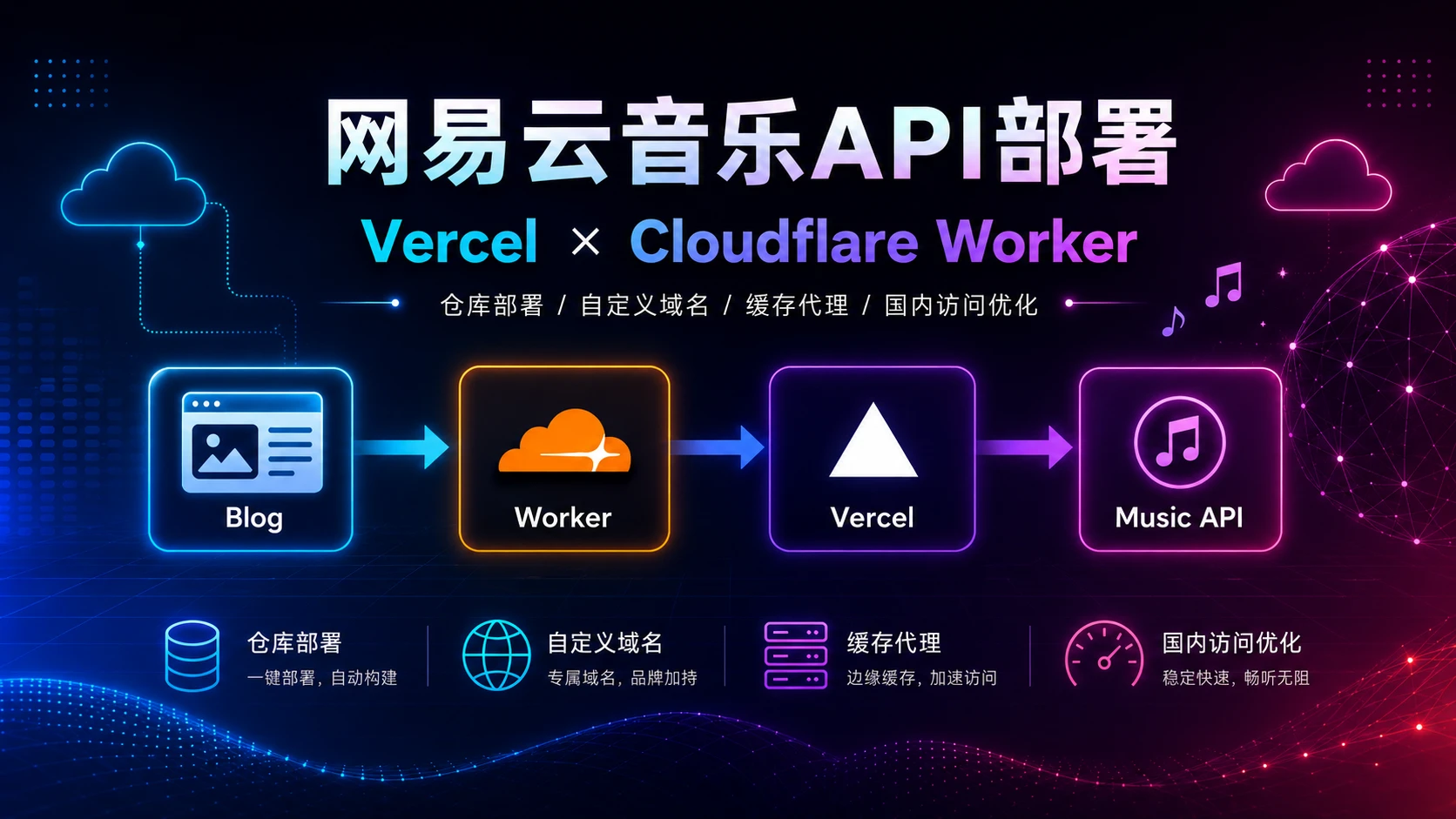
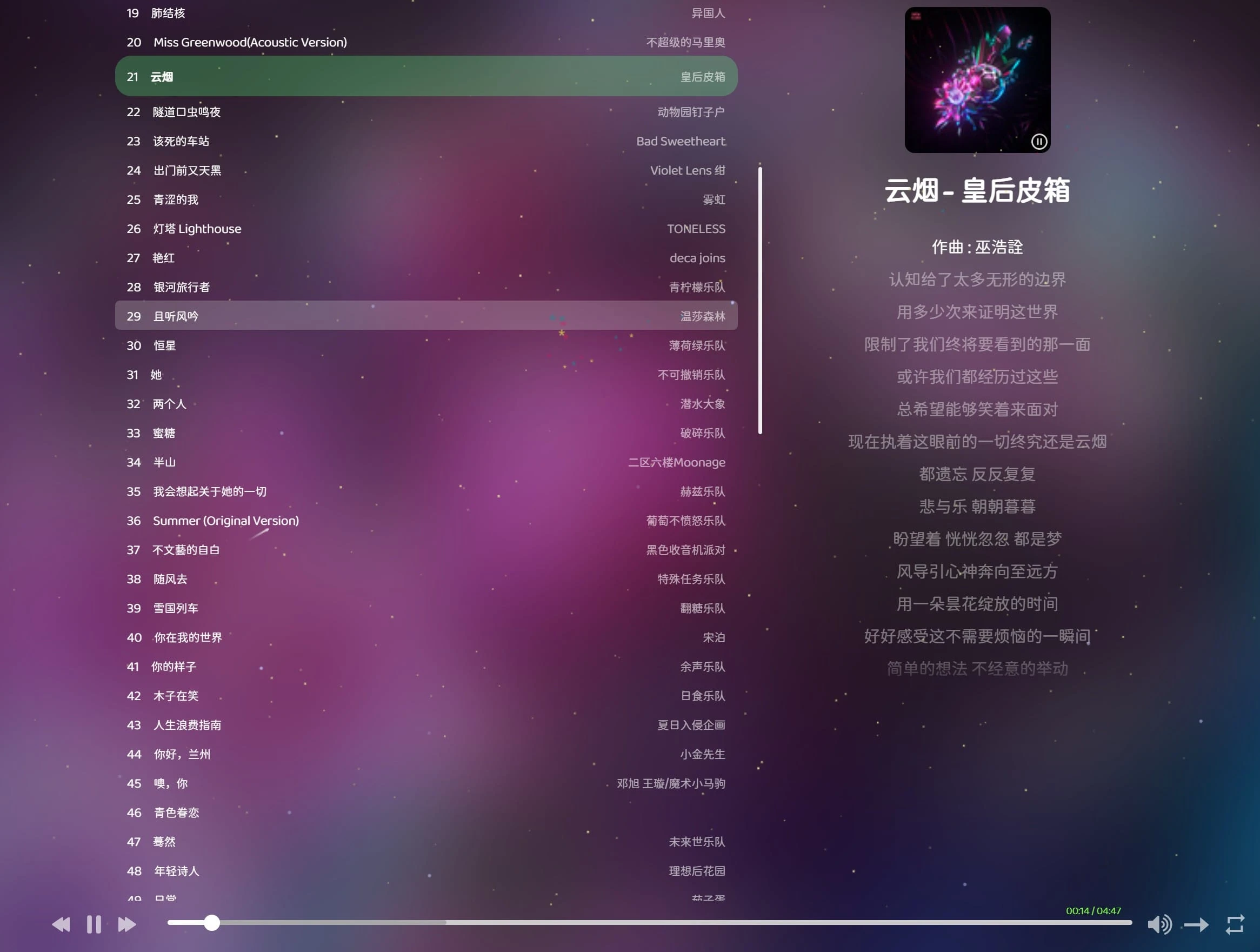
最近给博客接入 APlayer / Meting 风格的音乐播放器时,发现之前用的公开API失效了,所以自己在Github搜了个项目。音乐 API 可以部署成功,但在国内访问时加载很慢,甚至有时歌单迟迟不显示。后来采用了 Vercel 部署音乐 API + Cloudflare Worker 做缓存代理 的方式,最终让歌单加载速度明显变快。
一、整体思路
最终访问链路是:
博客音乐播放器
→ Cloudflare Worker 自定义域名
→ Vercel 音乐 API
→ 网易云音乐接口
→ 返回歌单 / 歌词 / 播放地址
二、准备工作
需要准备:
1. 一个 GitHub 账号
2. 一个 Vercel 账号
3. 一个 Cloudflare 账号
4. 一个已经托管到 Cloudflare 的域名
5. 一个网易云歌单 ID
本文示例使用的音乐 API 项目是:https://github.com/injahow/meting-api这个项目是 PHP 写的,默认不能直接在 Vercel 上跑,所以需要额外添加 Vercel PHP 入口文件。
三、Fork 音乐 API 仓库
先打开项目仓库:点击右上角 Fork,把项目复制到自己的 GitHub 账号下。然后进入自己 Fork 后的仓库,准备手动添加下面两个文件。
四、添加 Vercel 入口文件
1:在仓库中新建文件:api/index.php
内容如下:
<?php
// 强制 HTTPS,避免生成 http:// 的 lrc/url/pic
$_SERVER['HTTPS'] = 'on';
$_SERVER['REQUEST_SCHEME'] = 'https';
$_SERVER['HTTP_X_FORWARDED_PROTO'] = 'https';

ini_set('display_errors', '0');
ini_set('log_errors', '1');
error_reporting(0);

header('Access-Control-Allow-Origin: *');
header('Access-Control-Allow-Methods: GET, OPTIONS');
header('Access-Control-Allow-Headers: Content-Type, Authorization, X-Requested-With');

if ($_SERVER['REQUEST_METHOD'] === 'OPTIONS') {
    http_response_code(204);
    exit;
}

if (empty($_GET['server'])) {
    $_GET['server'] = 'netease';
}

if (empty($_GET['type'])) {
    $_GET['type'] = 'playlist';
}

if (empty($_GET['id'])) {
    header('Content-Type: application/json; charset=utf-8');
    echo json_encode([
        'error' => 'missing id'
    ], JSON_UNESCAPED_UNICODE);
    exit;
}

ob_start();

require __DIR__ . '/../index.php';

$output = ob_get_clean();

$host = $_SERVER['HTTP_HOST'] ?? '';
if ($host !== '') {
    $output = str_replace('http://' . $host, 'https://' . $host, $output);
}

header('Content-Type: application/json; charset=utf-8');
echo $output;
2:在仓库根目录新建:vercel.json
内容如下:
{
  "functions": {
    "api/index.php": {
      "runtime": "[email protected]"
    }
  },
  "routes": [
    {
      "src": "/(.*)",
      "dest": "/api/index.php"
    }
  ]
}
五、部署到 Vercel
进入Vercel找到仓库默认部署,测试一下歌单接口:https://vercel域名/?server=netease&type=playlist&id=你的歌单ID
如果能返回 JSON,说明 Vercel 部署成功。最后给项目添加自定义域名,不添加国内访问不了。
六、创建 Cloudflare Worker
接下来创建 Worker,用它来代理 Vercel API,并缓存歌单、歌词和封面。
进入 Cloudflare:找到Worker直接从halo Worker默认部署。完后把 Worker 代码替换为下面这一版:
const ORIGIN = "https://vercelmusic.example.com";
const OLD_ORIGIN = "https://music-api-sigma-tawny.vercel.app";
const CACHE_VERSION = "v3";

export default {
  async fetch(request, env, ctx) {
    const url = new URL(request.url);

    const server = url.searchParams.get("server") || "netease";
    const type = url.searchParams.get("type") || "playlist";
    const id = url.searchParams.get("id") || "";

    if (!id) {
      return new Response(JSON.stringify({ error: "missing id" }), {
        status: 400,
        headers: {
          "Content-Type": "application/json; charset=utf-8",
          "Access-Control-Allow-Origin": "*"
        }
      });
    }

    const origin = new URL(ORIGIN + "/");
    origin.searchParams.set("server", server);
    origin.searchParams.set("type", type);
    origin.searchParams.set("id", id);

    const cache = caches.default;

    let ttl = 0;
    if (type === "playlist") ttl = 86400;
    else if (type === "lrc") ttl = 604800;
    else if (type === "pic") ttl = 604800;
    else if (type === "url") ttl = 0;

    const cacheUrl = new URL(url.toString());
    cacheUrl.searchParams.set("__cache_version", CACHE_VERSION);

    const cacheKey = new Request(cacheUrl.toString(), {
      method: "GET"
    });

    if (ttl > 0) {
      const cached = await cache.match(cacheKey);
      if (cached) {
        return cached;
      }
    }

    /**
     * url 和 pic 不要当文本处理。
     * 它们可能是 302 跳转,也可能直接返回二进制内容。
     */
    if (type === "url" || type === "pic") {
      const response = await fetch(origin.toString(), {
        redirect: "manual",
        headers: {
          "User-Agent": "Mozilla/5.0"
        }
      });

      const location = response.headers.get("Location");

      if (location) {
        return new Response(null, {
          status: 302,
          headers: {
            "Location": location,
            "Access-Control-Allow-Origin": "*",
            "Cache-Control": type === "pic" ? "public, max-age=604800" : "no-store"
          }
        });
      }

      const newResponse = new Response(response.body, {
        status: response.status,
        headers: {
          "Content-Type": response.headers.get("Content-Type") || "application/octet-stream",
          "Access-Control-Allow-Origin": "*",
          "Cache-Control": type === "pic" ? "public, max-age=604800" : "no-store"
        }
      });

      if (type === "pic" && response.ok) {
        ctx.waitUntil(cache.put(cacheKey, newResponse.clone()));
      }

      return newResponse;
    }

    /**
     * playlist 和 lrc 可以按文本处理
     */
    const response = await fetch(origin.toString(), {
      headers: {
        "User-Agent": "Mozilla/5.0"
      }
    });

    let body = await response.text();

    /**
     * 把返回内容里的 Vercel 源站全部替换成 Worker 域名
     */
    body = body
      .replaceAll(ORIGIN, url.origin)
      .replaceAll(ORIGIN.replace("https://", "http://"), url.origin)
      .replaceAll(OLD_ORIGIN, url.origin)
      .replaceAll(OLD_ORIGIN.replace("https://", "http://"), url.origin);

    const newResponse = new Response(body, {
      status: response.status,
      headers: {
        "Content-Type": response.headers.get("Content-Type") || "application/json; charset=utf-8",
        "Access-Control-Allow-Origin": "*",
        "Cache-Control": ttl > 0 ? `public, max-age=${ttl}` : "no-store"
      }
    });

    if (ttl > 0 && response.ok) {
      ctx.waitUntil(cache.put(cacheKey, newResponse.clone()));
    }

    return newResponse;
  }
};
需要修改的地方有两个:
const ORIGIN = "https://vercelmusic.example.com";改成你的 Vercel 自定义域名。
const OLD_ORIGIN = "https://music-api-sigma-tawny.vercel.app";改成你的 Vercel 默认域名。
七、绑定 Worker 自定义域名
给 Worker 也绑定一个自定义域名,这个域名就是最后博客要填写的音乐 API 地址。
八、测试 Worker 是否正常
打开 Worker 歌单接口:
https://Worker自定义域名/?server=netease&type=playlist&id=你的歌单ID如果正常,会返回类似这样的 JSON:
[
  {
    "name": "歌曲名",
    "artist": "歌手",
    "url": "https://music-api.example.com/?server=netease&type=url&id=xxx",
    "pic": "https://music-api.example.com/?server=netease&type=pic&id=xxx",
    "lrc": "https://music-api.example.com/?server=netease&type=lrc&id=xxx"
  }
]Hao主题那个音乐API填的应该是:https://Worker自定义域名/?server=:server&type=:type&id=:id
九、总结
测试了网易云音乐歌单是可以正常播放的,酷狗能获取歌单信息但不能播放(好像酷狗要登录,这个项目不适合酷狗)。
由于直接用vercel的自定义域名来使用,加载会有一个5秒的延迟,所以再加个Worker缓存可以优化到1秒。本文 Worker 的缓存策略是:
playlist:缓存 1 天
lrc:缓存 7 天
pic:缓存 7 天
url:不缓存